
Turn your Figma designs into working applications

Take your Figma screens into a working Flutter app. Connect the journey, test it in Quanta and refine the details that a static frame cannot show.

Figma import · Visual comparison · Working app flows

Figma import workflowExample
“Turn these Figma screens into a booking app. Connect the schedule, class details and confirmation flow.”
Figma framesFlutter screensTry in Studio
  • Up to 24 selected mobile frames per import
  • Compiled Flutter screens and reusable assets
  • Fixed-viewport visual comparison and diagnostics
  • A working flow to preview and refine
Your design becomes something you can try.

Our Figma compiler turns your design into Flutter

Quanta’s own compiler translates Figma layouts and assets into responsive Flutter screens without an AI model. Agents then add navigation and application logic.

Build from your design
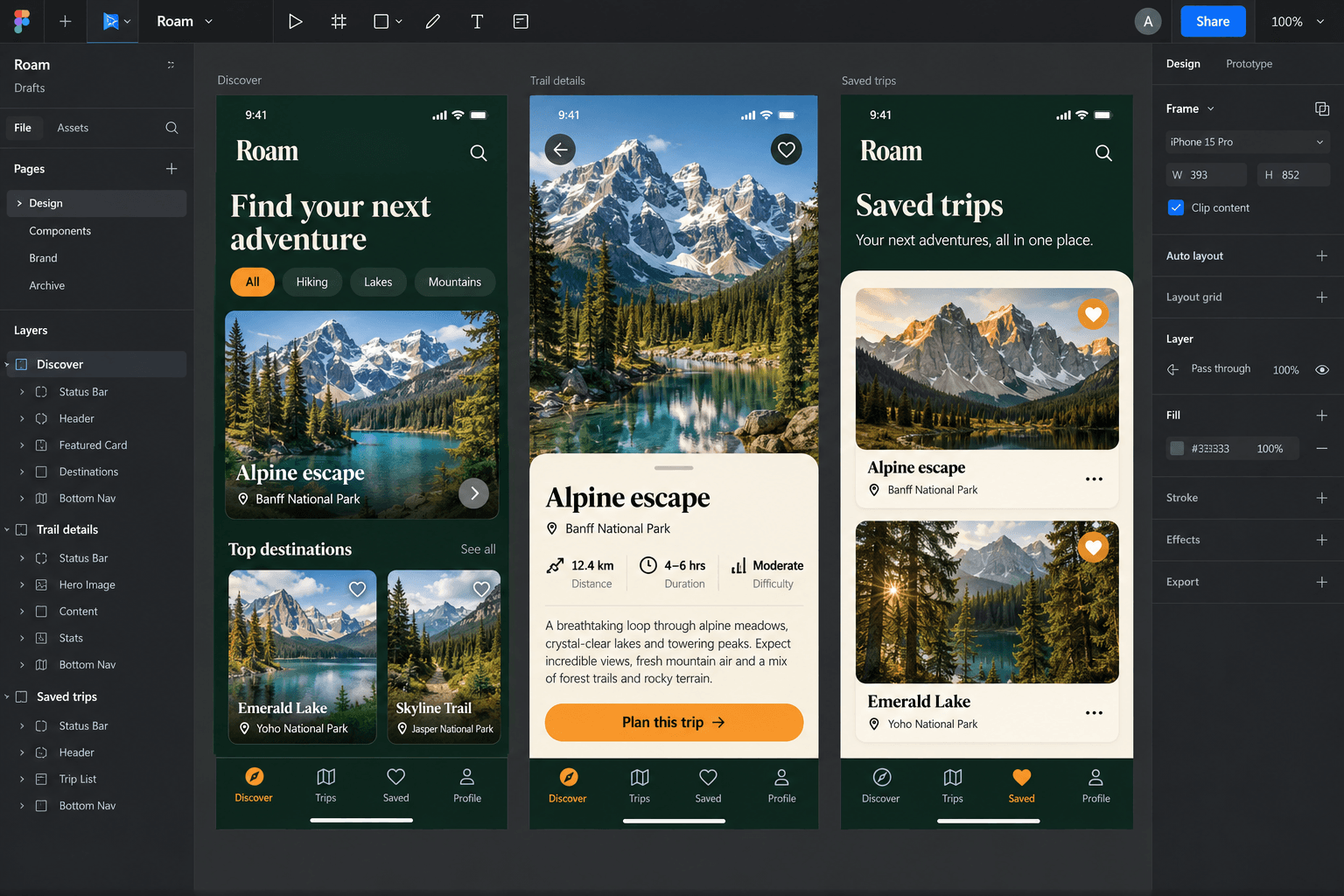
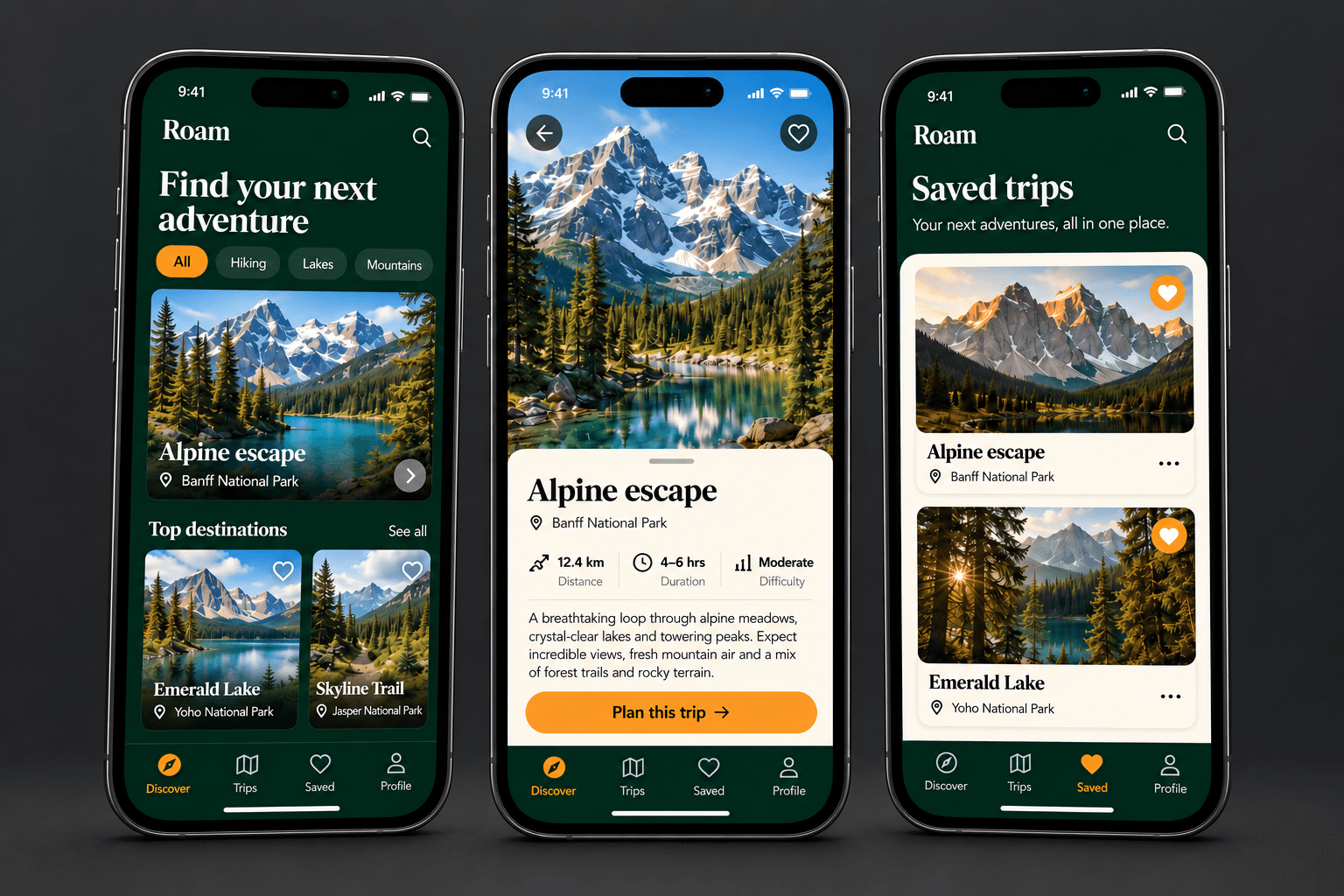
Illustrative Roam travel app in Figma, with Discover, Trail details and Saved trips screens from left to right

Your selected frames provide the layout, typography and visual assets.

Illustrative Roam concept generated to show the same three screen designs in Figma and on phones, not a measured compiler result; fonts, assets and supported layouts affect import fidelity.

Use Quanta throughout your design process

Turn design frames into an application

Bring a Figma file or frame link, select mobile screens and import them into a project. Review the interface as an app, with the fonts, assets and layout details that shape your design.

Your visual direction carried into an implementation.

Review a working user journey with your client

Ask Quanta to connect navigation, loading states and the data your flow needs. Let a client try the journey and give feedback on how it works.

A first build you can put in front of someone.

Update the design as your product develops

Import updated design frames while application logic lives outside the generated layer. Ask for focused changes and keep working in the same project.

Iteration without starting the entire app again.

Explore your design as a working application

Understand the product plan, inspect the code and try the result before asking your AI team for the next change.

Explore Quanta Studio

Keep the product direction beside the implementation

Review the product overview, implementation plan and design direction in one guide that you can copy or download.

ChapterProject Guide

A learning app for everyday progress

Short lessons help learners build a daily habit and see how far they’ve come.

Home
Continue the next lesson.
Lessons
Explore chapters and resources.
Progress
Review your weekly achievements.
A calm, focused visual direction
Illustrative project showing the Studio workflow.

Update your design without rebuilding the application

The first import is a starting point. Refine the visual layer while keeping the app you are building around it.

Start your first import
Select the frames to import
Choose up to 24 mobile frames. Start with one core journey so you can assess the result before expanding.
Compare the rendered screens
Fixed-viewport comparison highlights visual differences. Diagnostics surface unsupported elements and missing assets.
Reimport updated designs
Keep application logic outside the generated design layer. Reimport updated frames, then review the experience again.

Common questions about building with Quanta

How designers turn Figma into working features

Designers on bringing Figma into real app workflows.

“We added a collaborative itinerary with saved places, day planning, comments and shared edits. I started from Figma and kept refining the same feature until it felt ready for users.”

Nina PatelProduct Designer · Travel appCollaborative itinerary builder

“We redesigned discovery around interests, mutual connections and location filters. I imported the new Figma flow and used Quanta to turn it into a working feature inside the existing app.”

Anna BrooksProduct Designer · Social discovery appDiscovery feed redesign

Build your first app from Figma

Build from your designExplore pricing
Quanta